* Estimated delivery times start from the date of shipment, excluding processing time.
* Actual delivery times may vary due to holidays, weather conditions, or customs delays.
Livraison standard gratuite pour les commandes de plus de 9,9 $
Politique de retour
Les articles retournés seront acceptés dans les 40 jours suivant la réception des marchandises. Les articles personnalisés ne peuvent pas être retournés ou échangés. Les articles achetés avec une carte-cadeau électronique ne peuvent être échangés que; les remboursements ne sont pas applicables.
Cadeau gratuit
Bienvenue sur Roymall, votre site Web professionnel pour l'achat de cadeaux de grand magasin premium. Nous apprécions et valorisons grandement votre soutien, et nous voulons exprimer notre gratitude en ajoutant une touche supplémentaire d'excitation à vos achats. Lorsque vous magasinez avec nous, vous profitez non seulement de produits de haute qualité qui améliorent votre style de vie, mais vous recevrez également un cadeau gratuit exclusif avec chaque commande que vous passez. Prêt à explorer notre collection et à trouver vos cadeaux parfaits ? Parcourez notre sélection d'articles de grand magasin premium, passez votre commande et attendez avec impatience l'excitation de recevoir votre cadeau gratuit avec votre achat.
Politique d'expédition
Nous nous efforcerons de vous livrer les articles après réception de vos commandes et de nous assurer qu'ils arrivent en toute sécurité. Les détails de livraison seront fournis dans votre email de confirmation.Dans la plupart des cas, les commandes sont traitées dans les 2 jours. Dans des circonstances spéciales, cela peut être retardé comme suit : Lorsque vous passez une commande le samedi, le dimanche ou un jour férié, cela sera retardé de 2 jours.Normalement, il faut 5 à 7 jours ouvrables (du lundi au vendredi) sans être affecté par un retard de vol ou d'autres facteurs environnementaux.Parce que notre service d'expédition est mondial, les délais de livraison dépendront de votre emplacement, donc cela peut prendre quelques jours et veuillez patienter si vous êtes dans des districts ou des pays éloignés.
1. Politique de retour et d'échange
Nous n'acceptons que les articles achetés sur roymall.com. Si vous achetez auprès de nos distributeurs locaux ou d'autres détaillants, vous ne pouvez pas les retourner chez nous.Les articles en vente finale ou les cadeaux gratuits ne sont pas acceptés pour un retour.Pour être éligible à un retour, votre article doit être inutilisé et dans le même état que celui dans lequel vous l'avez reçu. Il doit également être dans son emballage d'origine.Après avoir reçu les instructions de retour de notre part, veuillez emballer vos articles retournés et déposer votre colis à la poste locale ou à un autre transporteur. Nous traiterons votre retour ou échange d'article dans les 3 à 5 jours ouvrables après réception. Le remboursement sera traité et crédité automatiquement sur votre méthode de paiement d'origine.Aucun retour ou échange ne peut être accepté si le produit a été produit sur mesure, y compris la taille personnalisée, la couleur personnalisée ou l'impression personnalisée.Besoin de plus d'aide, veuillez nous contacter. service@roymall.com ou Whatsapp: +447549870296
2.Politique de remboursement
Vous recevrez un remboursement intégral ou un crédit magasin de 100% après réception et vérification du colis retourné. Le remboursement sera traité et crédité automatiquement sur votre méthode de paiement d'origine.Veuillez noter que les frais d'expédition et tous les droits ou frais ne sont pas remboursables. Les frais d'expédition supplémentaires ne sont pas remboursables une fois le colis expédié. Vous êtes responsable du paiement de ces frais et nous ne pouvons pas les annuler ou les rembourser, même si la commande nous est retournée.Une fois que nous avons reçu et confirmé votre article retourné, nous vous enverrons un email pour vous informer que nous avons reçu votre article retourné. Nous vous informerons également de l'approbation ou du rejet de votre remboursement.Si vous avez des problèmes concernant le processus de remboursement, veuillez nous contacter. service@roymall.com ou Whatsapp: +447549870296
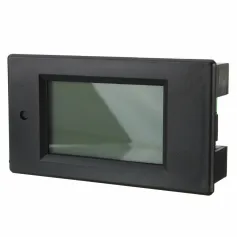
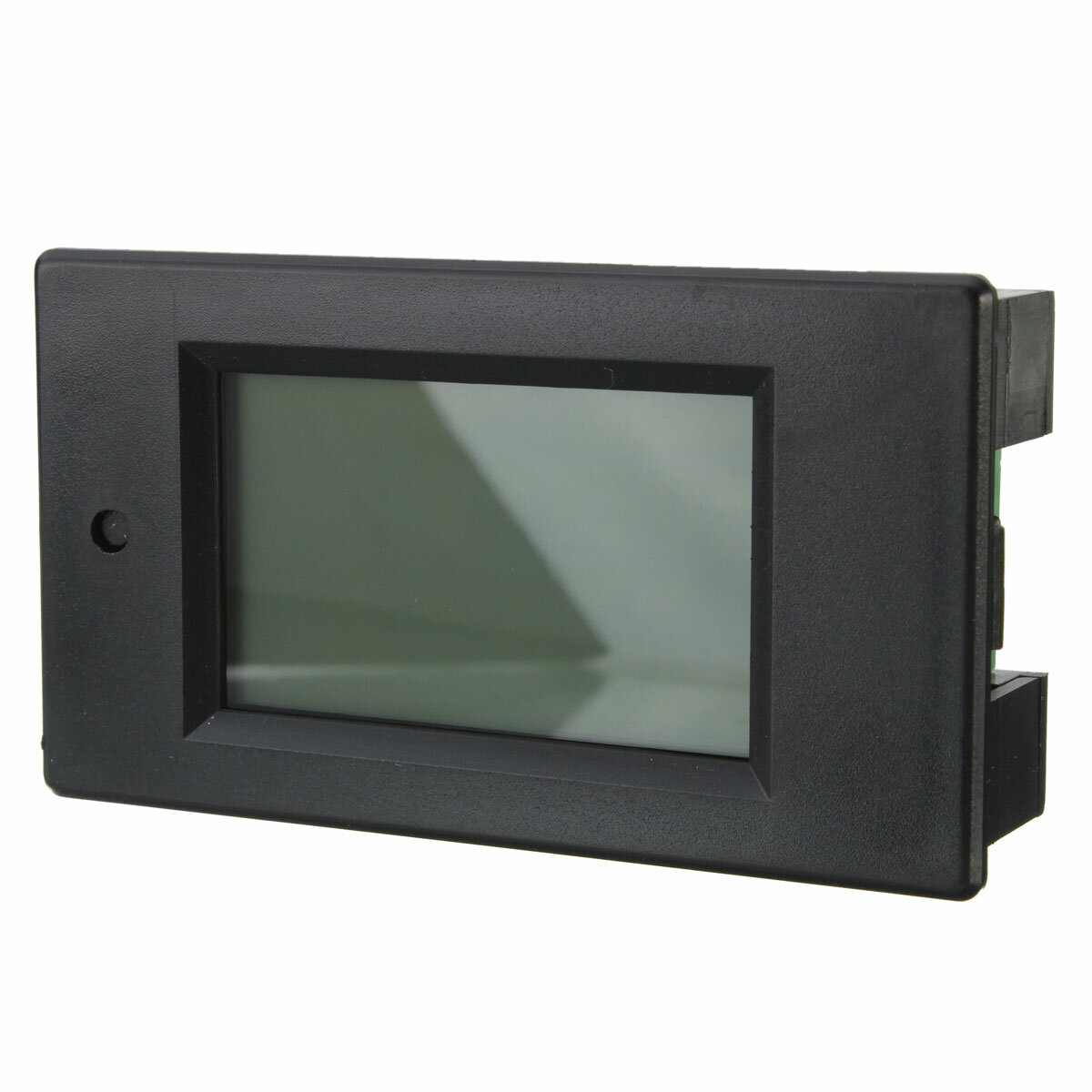
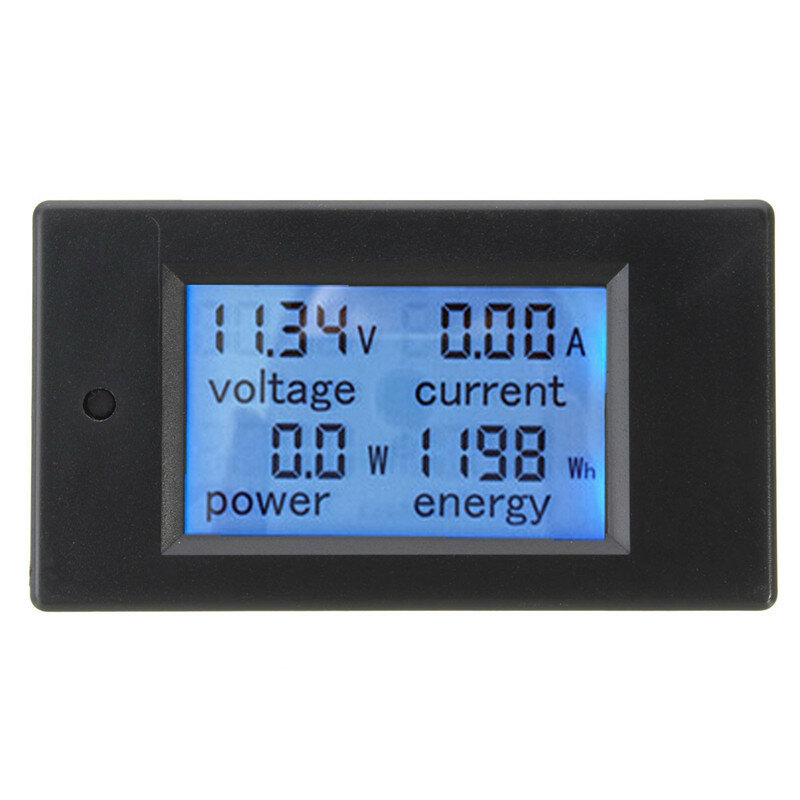
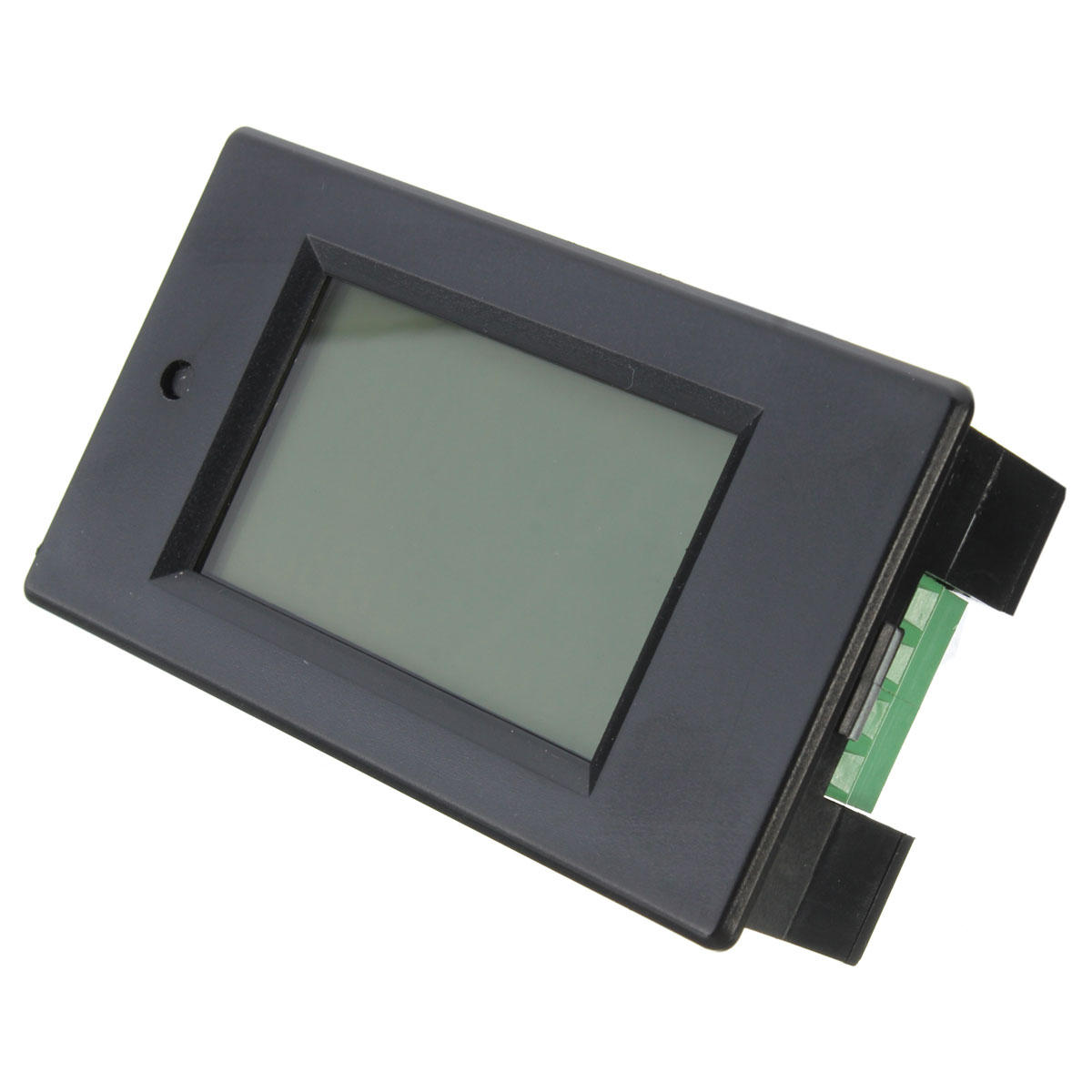
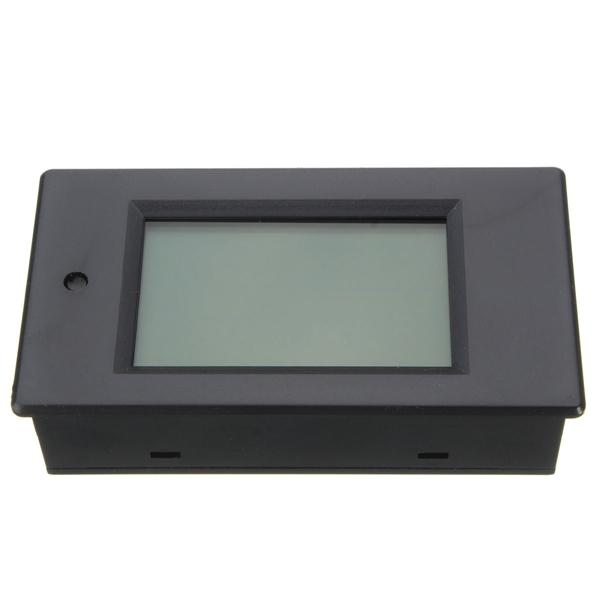
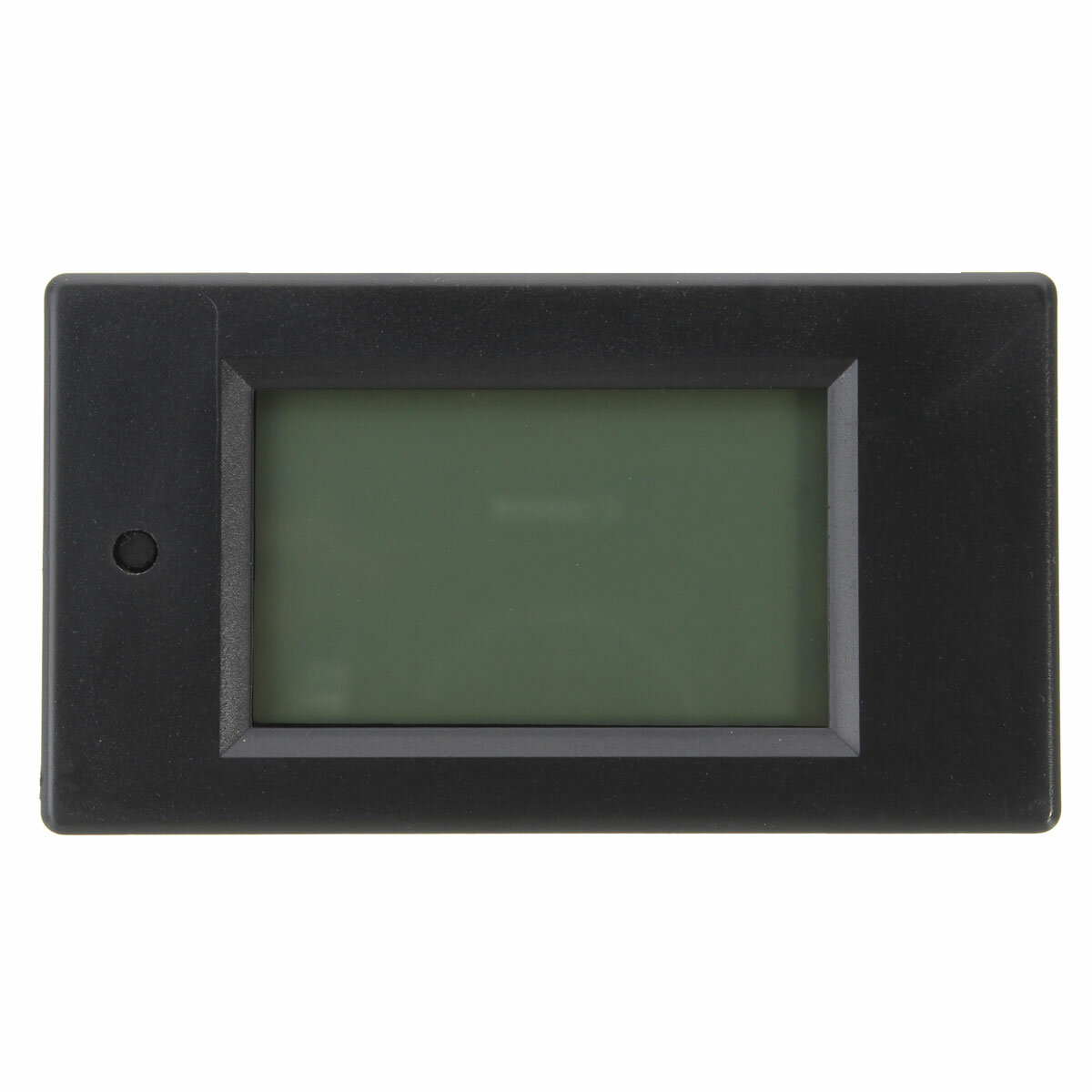
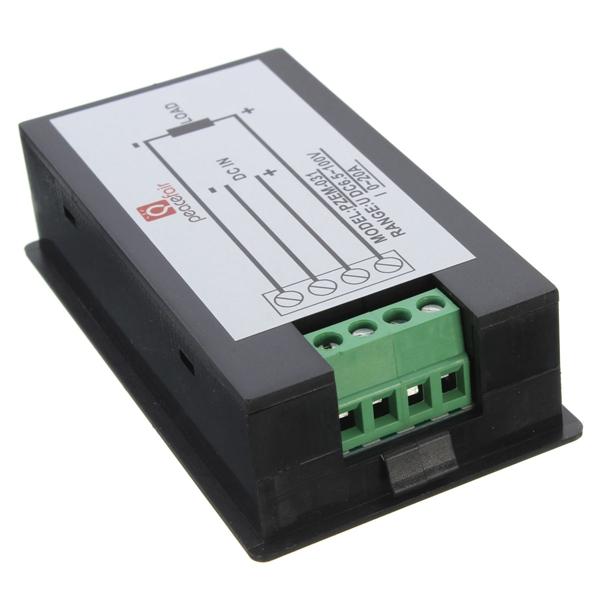
20A DC Digital Multifunction Power Meter Energy Monitor Module Voltmeter Ammeter 6.5V-100V
Description:
Working Voltage
DC 6.5V-100V
Measuring Voltage
DC 6.5V-100V
Measuring Voltage
0-20A
Rated Power
2000W
Display
LCD
Display Format
Power
0.0-999.9W (<1KW)
1000-2000w(>1KW)
Energy
0-999Wh(<10KWh)
10-9999KWh(>10KWh)
Voltage
6.50-99.99V
Current
0.00-20.00A
Feature: - 20A DC multifunction power meter - LCD display wih backlight, easy to read - Bult-in shunt design, no extra needed - Power, current, voltage and energy display and monitor timely , easy to know electric energy consumption - Electric energy clear function, perfect for various device monitor separately
- Overload alarm function (over power alarm threshold, the backlight and voltage flashing alarm) - Power memory, shave the power parameter when power down, safe to use
Operaqtion Tips:
1. The backlight control
By short press the button to turn on or off the backlight, In the bakclight mode,the data will automatically store when power down
2. The energy cleared
Step 1: Press the power button 5 seconds until the digital display "CLr" , then release the button;
Step 2: Now it is in the "energy clear" mode, press the button again, the energy data is cleared and stop flashing;
Step 3: If in the "energy clear" mode you do not press the button in 5 seconds,then the energy data will not be cleared
3. Set power alarm value
Step 1: Press the button, when the power area display "SET ", release button,
Step 2:it is in the pweor alarming setting mode, the voltage area displays the highest value of the voltage alarm,the current area displays the lowest value of the voltage alarm. Then you can press the button quickly to increase the value" +1", when there is no key operation more than three seconds,
It happens that this power meter may give incorrect readings (more than should be). It can be calibrated by opening up the back and shorting the pads marked "W" on the PCB, then add 20V to the input and 1A load (20 Ohms) to the output. Then power on, wait for the display say "Pass" then power off and remove the short. Ta-daa: calibrated.
I did a whole bunch of looking around for a supply monitor for my power supply I am building. This one seemed great but the minimum 6.5V input meant I could not supply lower voltages. Upon reading the reviews I found one detailing that removing the diode "D" and placing the power monitor supply positive lead on the cathode (part of the diode with the line on it). allowed for lower voltages to be measured. So I tried it and it worked! Just tweaked the alarm trigger to 0V and now it works great!
Tips:For questions about your order, place of delivery, product discount, taxation, delivery time, warranty, shipping, payment, exchange rate, and other questions unrelated to the product, please contact customer service.
you too??
ordered mine March 10...still nothing as of April 19th.
you too??
ordered mine March 10...still nothing as of April 19th.
Answered by jsdavis55 on 20/04/2019Helpful (0)
0
Q:
Hello, The load part of the device was short-circuited and the shunt resistance between the negative connections inside was burnt. Does any one know the value of this resistance?
Regards //Turkish
Hey, hey,
The load part of the device was short-circuited and the shunt resistance between the internal negative connections burned. Does anyone know the value of this resistance?
Regards
Hello, The load part of the device was short-circuited and the shunt resistance between the negative connections inside was burned. Does anyone know the value of this resistance?
Regards //Türkish
Selam,
Cihazın yük kısmı kısa devre oldu ve içteki negatif bağlantılar arasındaki şönt direnç yandı. Bu direncin değerini bilen var mı?
Saygılar
hellocan you be more specific are you able to provide the R number or part number you are looking to replace, if that is not possible take a photograph of the damaged area and send it to me and I will see what I can do.as follow up if the parts you are refering to are R3
Answered by clazh on 24/04/2020Helpful (0)
0
Q:
I bought this , received but want to seek help in connecting it.
I want to monitor a solar panel banks of 48VDC, do i need to get another 12V, input for the meter or what do i need to do to enable me use this meter to monitor the solar panels output volatge of 48VDC
I bought this , received but want to seek help in connecting it.
I want to monitor a solar panel banks of 48VDC, do i need to get another 12V, input for the meter or what do i need to do to enable me use this meter to monitor the solar panels output volatge of 48VDC
can i measure solar power with this i have 1 kva solar panels installed and connected to inverter
so i want to use this meter to connect inbetween solar and inverter to maesure current and voltage?
how
can i measure solar power with this i have 1 kva solar panels installed and connected to inverter
so i want to use this meter to connect inbetween solar and inverter to maesure current and voltage?
how
Hi Vaibhavkumar Birajdar, yes you could use this power meter. But be aware that you stay within it's parameters!...
Answered by armin on 21/11/2019Helpful (0)
0
Q:
In case someone don't know, this instrument can be calibrated for precise measurements. For this, you need a power supply set to 20V and a 20 Ohm resistor connected to the Load terminals. Use thick and short cabling. Remove the back cover, and find the two empty jumper holes in the corner opposite to the connector terminals marked "W". Temporarily short this, then connect the power supply. The display says "CAL" then "PASS", release the power. The instrument is now calibrated. Make a test measurement, correct the voltage if necessary (if after calibration meter shows more than should, raise calibration voltage, calibrate again)
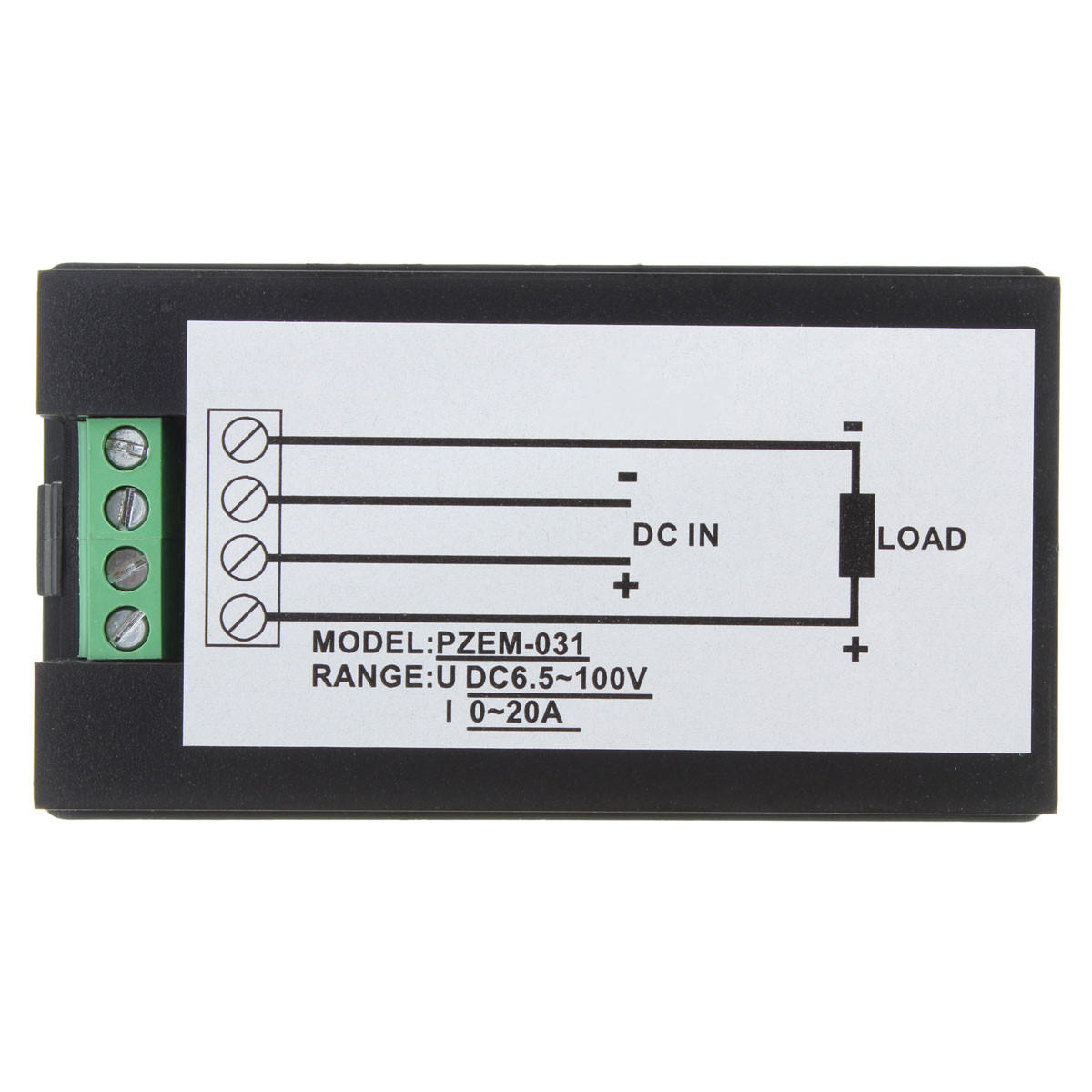
Common positive, the current measuring shunt is between the negative lines.
Answered by Aurum on 02/06/2019Helpful (0)
0
Q:
Hello banggod I have bught this meter but i have no idea how to use I want to measure the amount of power from the car headlight bulb How to right way to connect the wire to make it run correct
This meter only measures up to 100V DC. You could theoretically use a voltage divider circuit to give only 1/3 of your voltage to the meter. It would only show a value up to 100V but you just need to multiply it by 3 to get your total voltage.
Answered by Fluvance on 04/11/2018Helpful (0)
Ask a Question
1.You can contact the customer service. for any question regarding the product.
2.Ask the question in English to get answer faster.