* Estimated delivery times start from the date of shipment, excluding processing time.
* Actual delivery times may vary due to holidays, weather conditions, or customs delays.
Livraison standard gratuite pour les commandes de plus de 9,9 $
Politique de retour
Les articles retournés seront acceptés dans les 40 jours suivant la réception des marchandises. Les articles personnalisés ne peuvent pas être retournés ou échangés. Les articles achetés avec une carte-cadeau électronique ne peuvent être échangés que; les remboursements ne sont pas applicables.
Cadeau gratuit
Bienvenue sur Roymall, votre site Web professionnel pour l'achat de cadeaux de grand magasin premium. Nous apprécions et valorisons grandement votre soutien, et nous voulons exprimer notre gratitude en ajoutant une touche supplémentaire d'excitation à vos achats. Lorsque vous magasinez avec nous, vous profitez non seulement de produits de haute qualité qui améliorent votre style de vie, mais vous recevrez également un cadeau gratuit exclusif avec chaque commande que vous passez. Prêt à explorer notre collection et à trouver vos cadeaux parfaits ? Parcourez notre sélection d'articles de grand magasin premium, passez votre commande et attendez avec impatience l'excitation de recevoir votre cadeau gratuit avec votre achat.
Politique d'expédition
Nous nous efforcerons de vous livrer les articles après réception de vos commandes et de nous assurer qu'ils arrivent en toute sécurité. Les détails de livraison seront fournis dans votre email de confirmation.Dans la plupart des cas, les commandes sont traitées dans les 2 jours. Dans des circonstances spéciales, cela peut être retardé comme suit : Lorsque vous passez une commande le samedi, le dimanche ou un jour férié, cela sera retardé de 2 jours.Normalement, il faut 5 à 7 jours ouvrables (du lundi au vendredi) sans être affecté par un retard de vol ou d'autres facteurs environnementaux.Parce que notre service d'expédition est mondial, les délais de livraison dépendront de votre emplacement, donc cela peut prendre quelques jours et veuillez patienter si vous êtes dans des districts ou des pays éloignés.
1. Politique de retour et d'échange
Nous n'acceptons que les articles achetés sur roymall.com. Si vous achetez auprès de nos distributeurs locaux ou d'autres détaillants, vous ne pouvez pas les retourner chez nous.Les articles en vente finale ou les cadeaux gratuits ne sont pas acceptés pour un retour.Pour être éligible à un retour, votre article doit être inutilisé et dans le même état que celui dans lequel vous l'avez reçu. Il doit également être dans son emballage d'origine.Après avoir reçu les instructions de retour de notre part, veuillez emballer vos articles retournés et déposer votre colis à la poste locale ou à un autre transporteur. Nous traiterons votre retour ou échange d'article dans les 3 à 5 jours ouvrables après réception. Le remboursement sera traité et crédité automatiquement sur votre méthode de paiement d'origine.Aucun retour ou échange ne peut être accepté si le produit a été produit sur mesure, y compris la taille personnalisée, la couleur personnalisée ou l'impression personnalisée.Besoin de plus d'aide, veuillez nous contacter. service@roymall.com ou Whatsapp: +447549870296
2.Politique de remboursement
Vous recevrez un remboursement intégral ou un crédit magasin de 100% après réception et vérification du colis retourné. Le remboursement sera traité et crédité automatiquement sur votre méthode de paiement d'origine.Veuillez noter que les frais d'expédition et tous les droits ou frais ne sont pas remboursables. Les frais d'expédition supplémentaires ne sont pas remboursables une fois le colis expédié. Vous êtes responsable du paiement de ces frais et nous ne pouvons pas les annuler ou les rembourser, même si la commande nous est retournée.Une fois que nous avons reçu et confirmé votre article retourné, nous vous enverrons un email pour vous informer que nous avons reçu votre article retourné. Nous vous informerons également de l'approbation ou du rejet de votre remboursement.Si vous avez des problèmes concernant le processus de remboursement, veuillez nous contacter. service@roymall.com ou Whatsapp: +447549870296
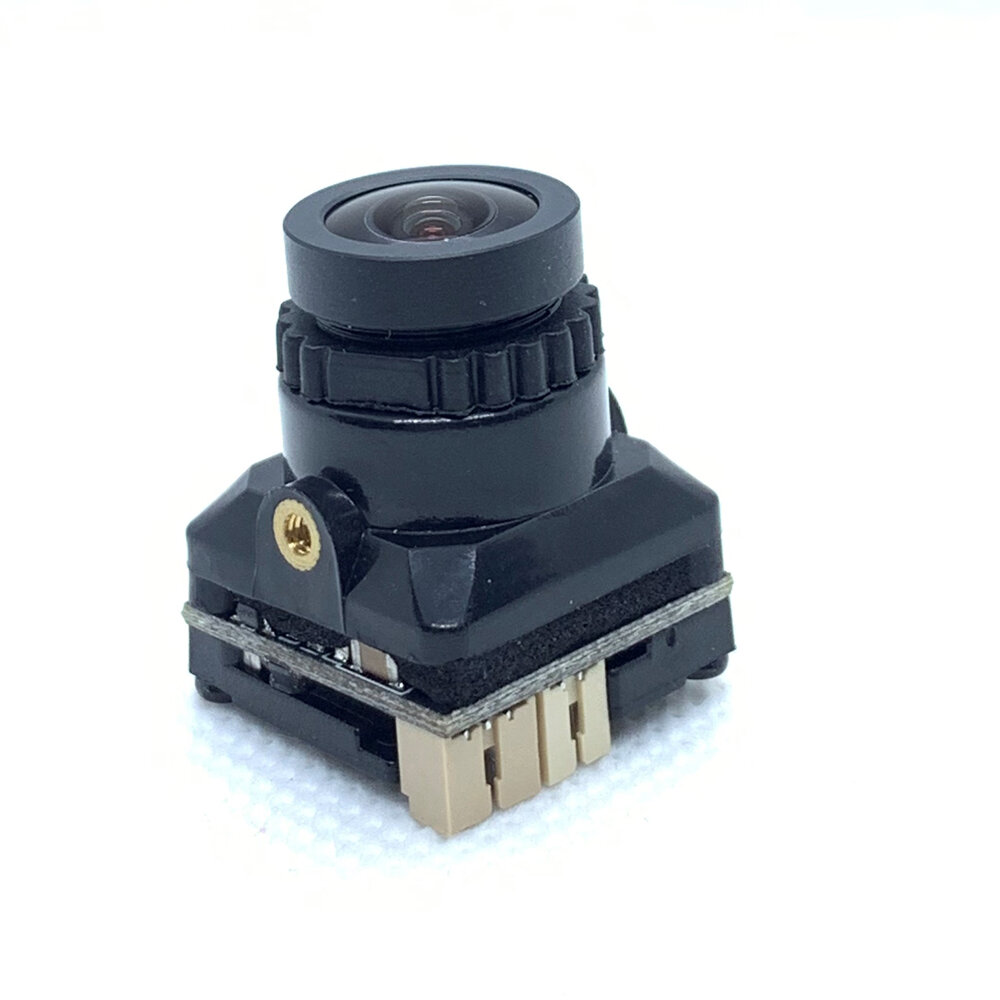
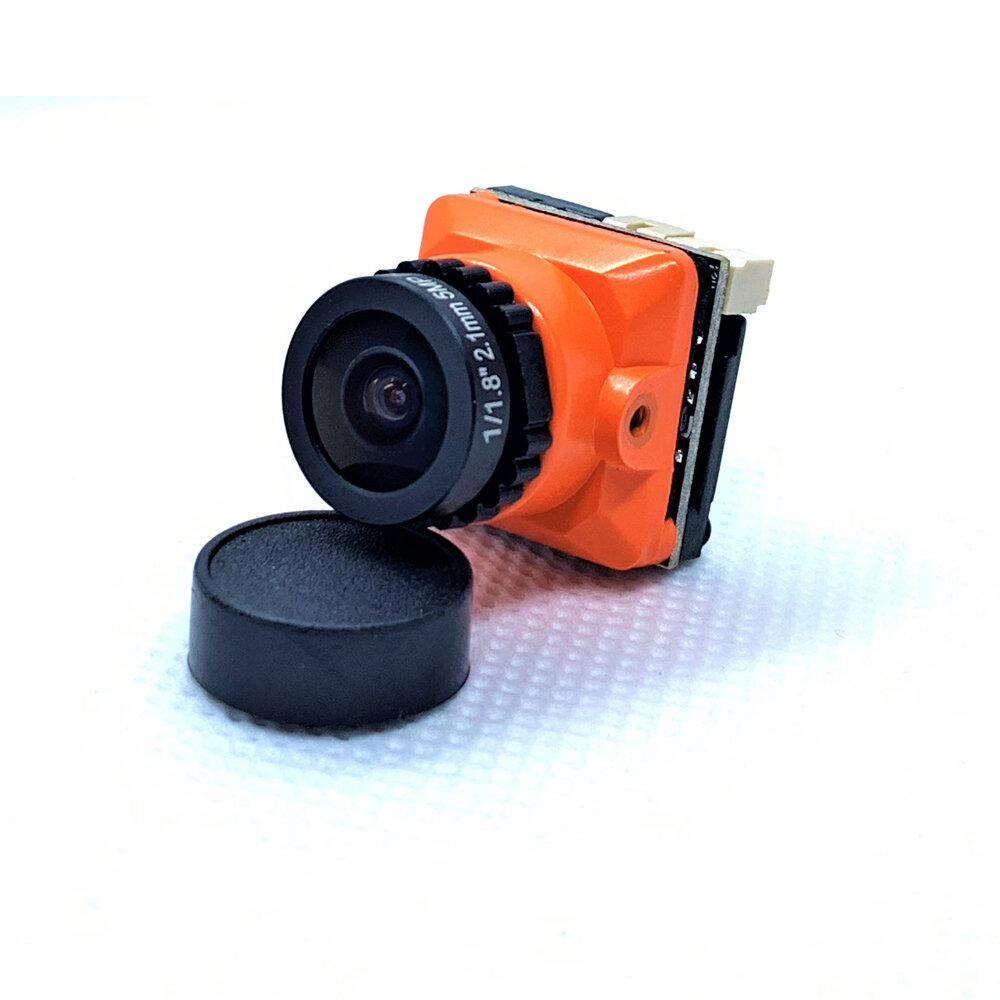
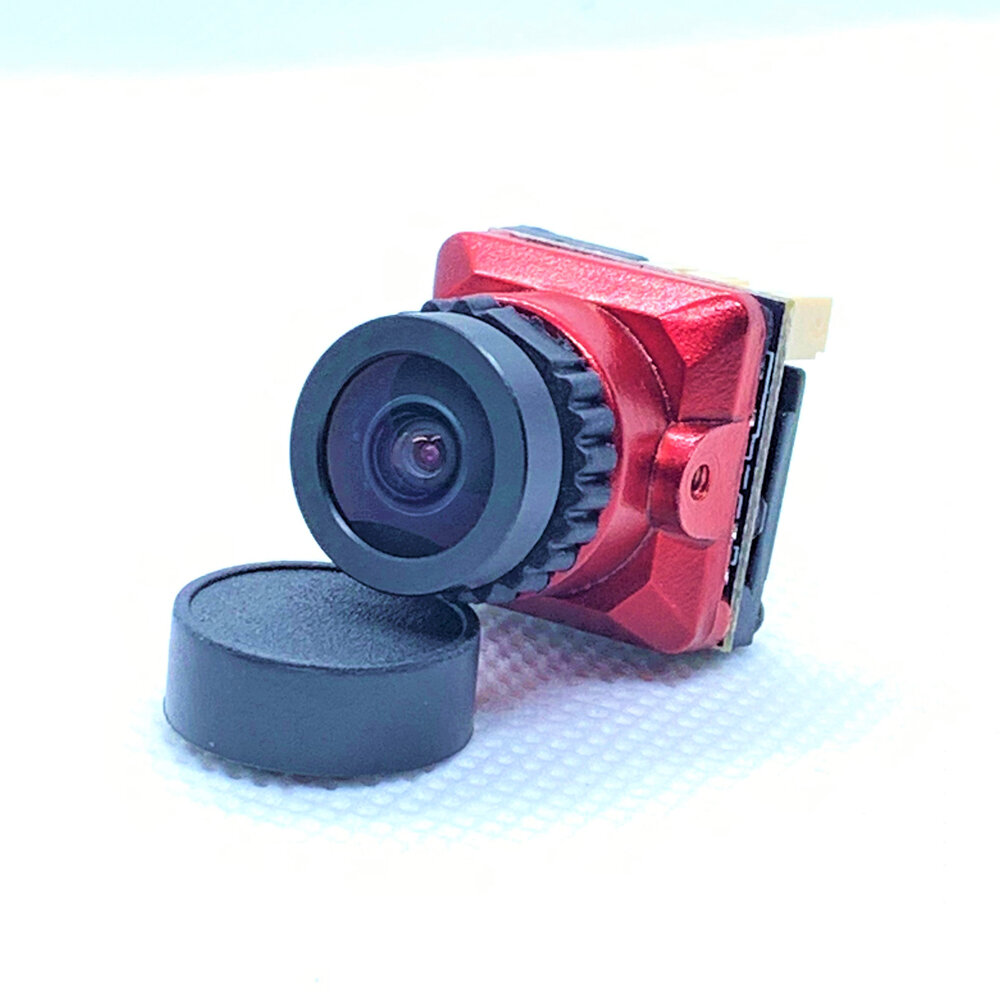
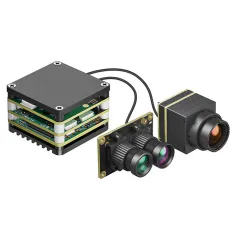
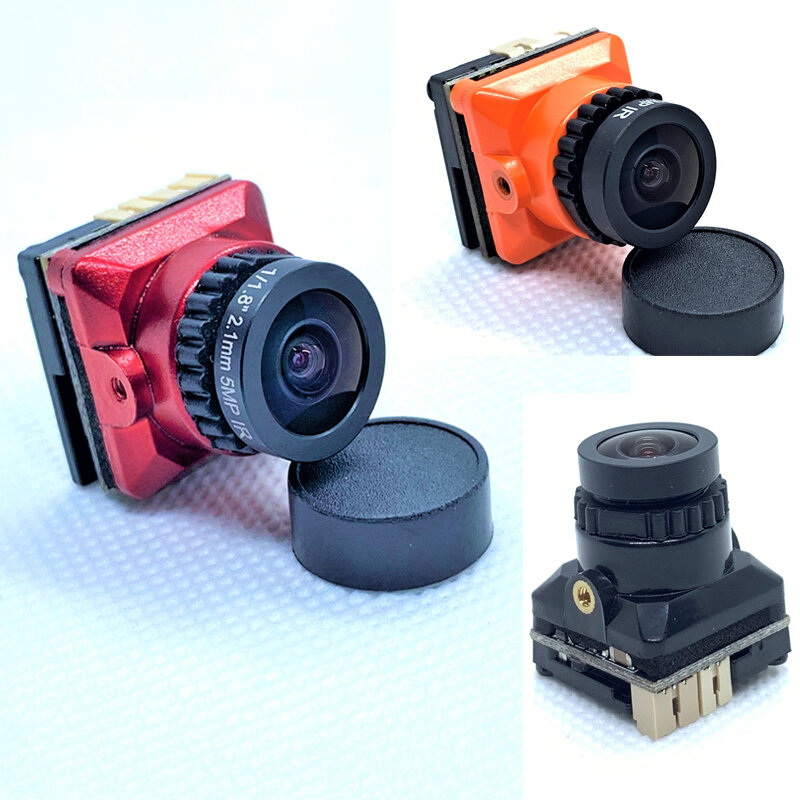
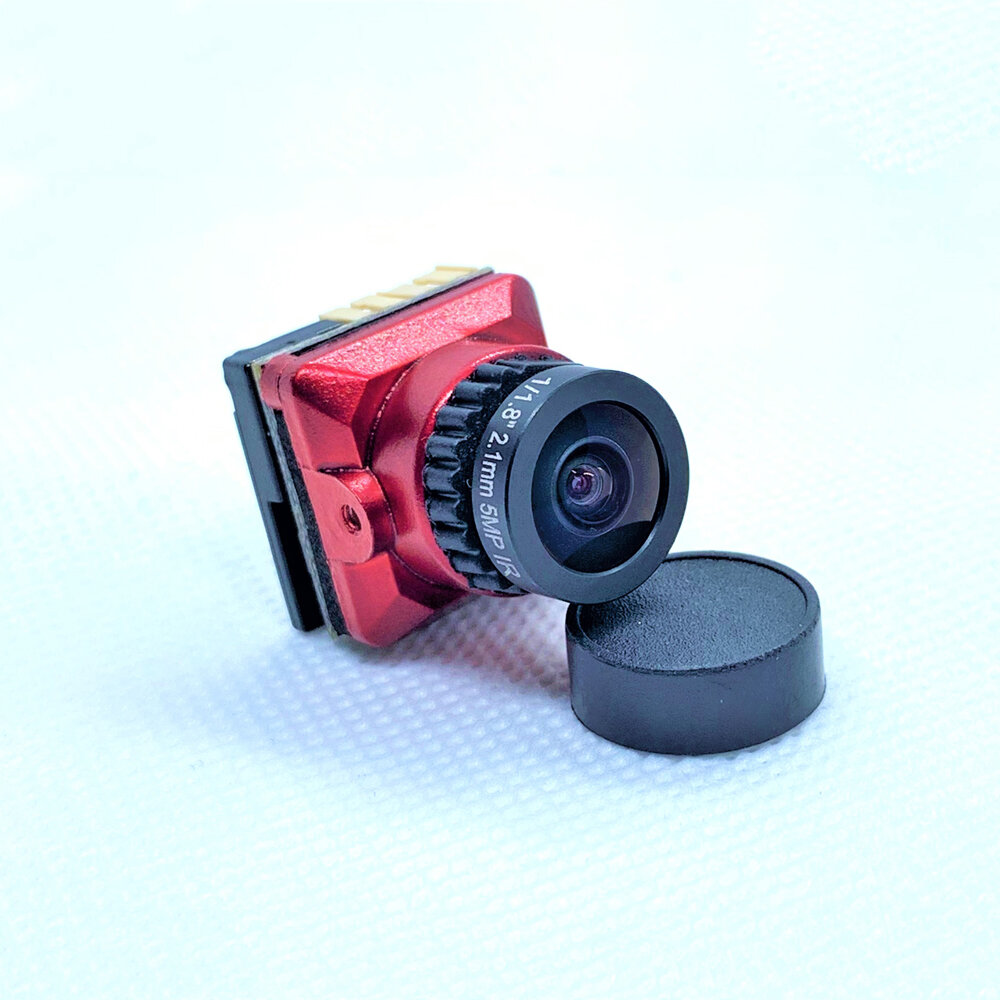
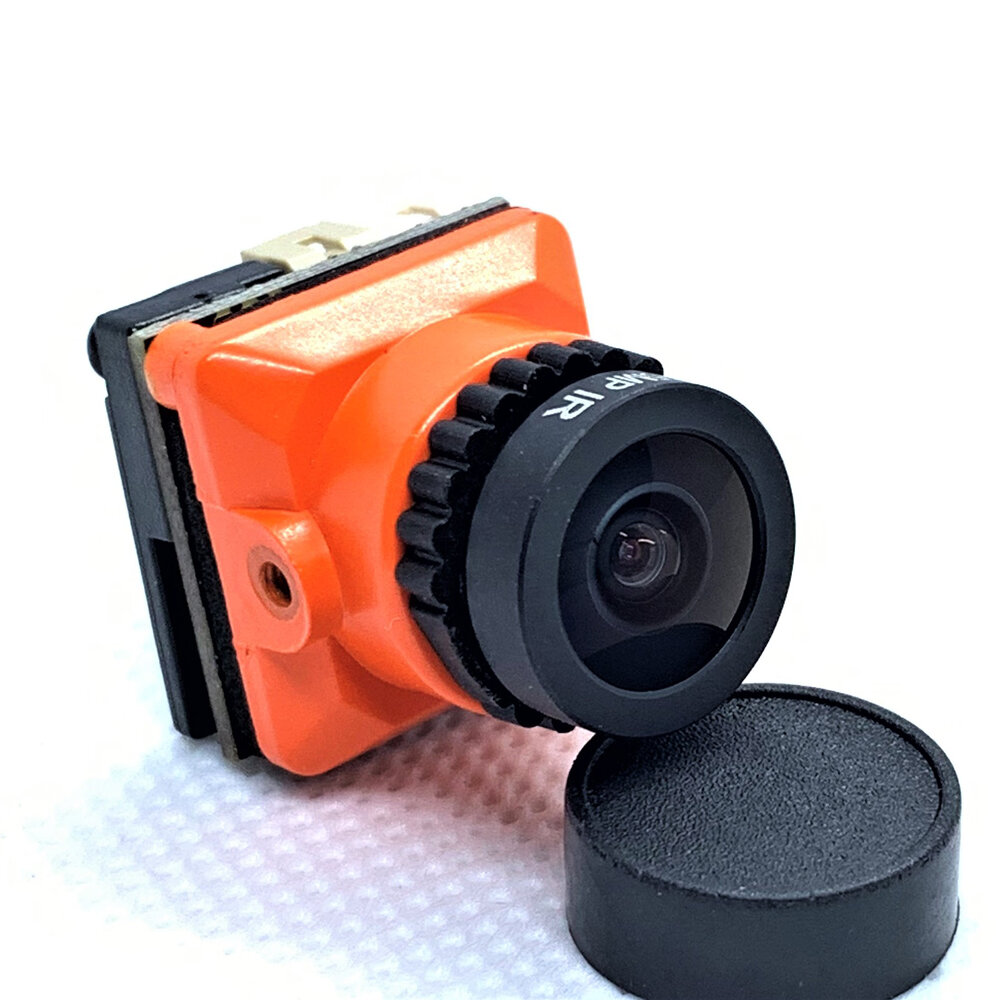
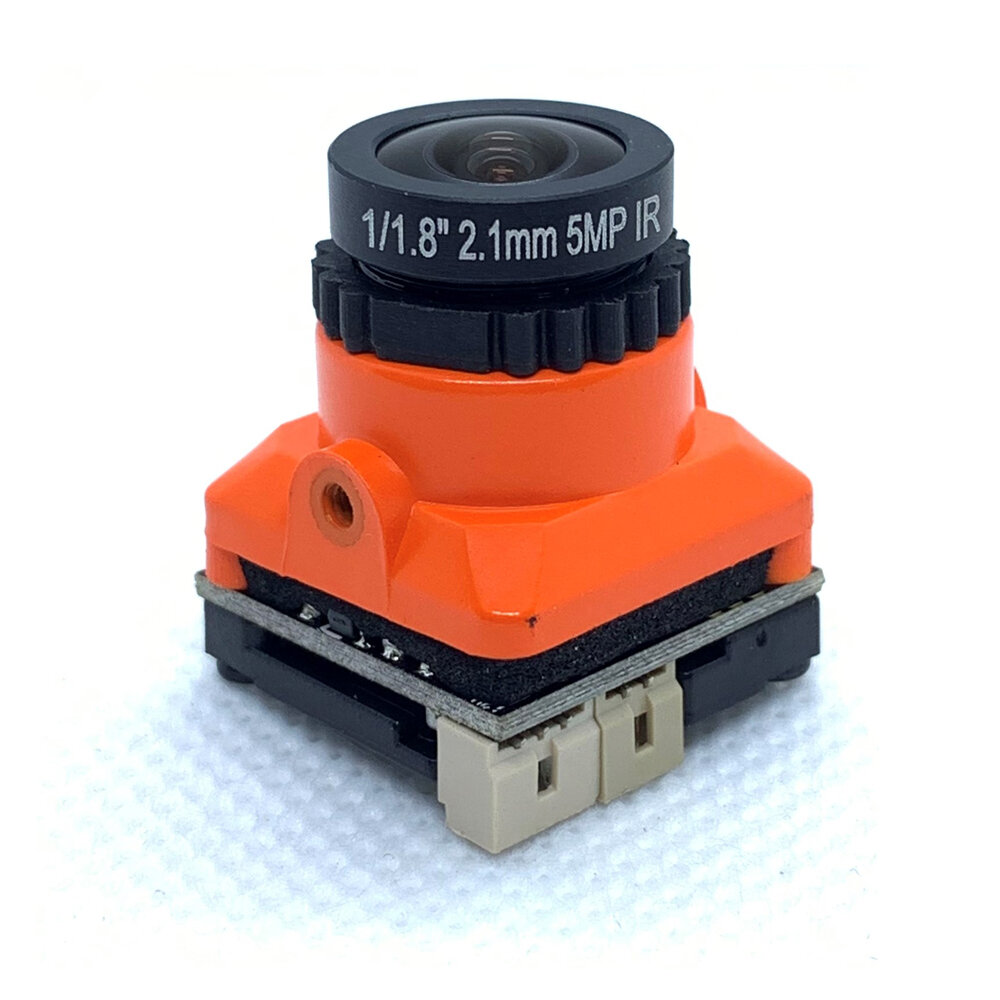
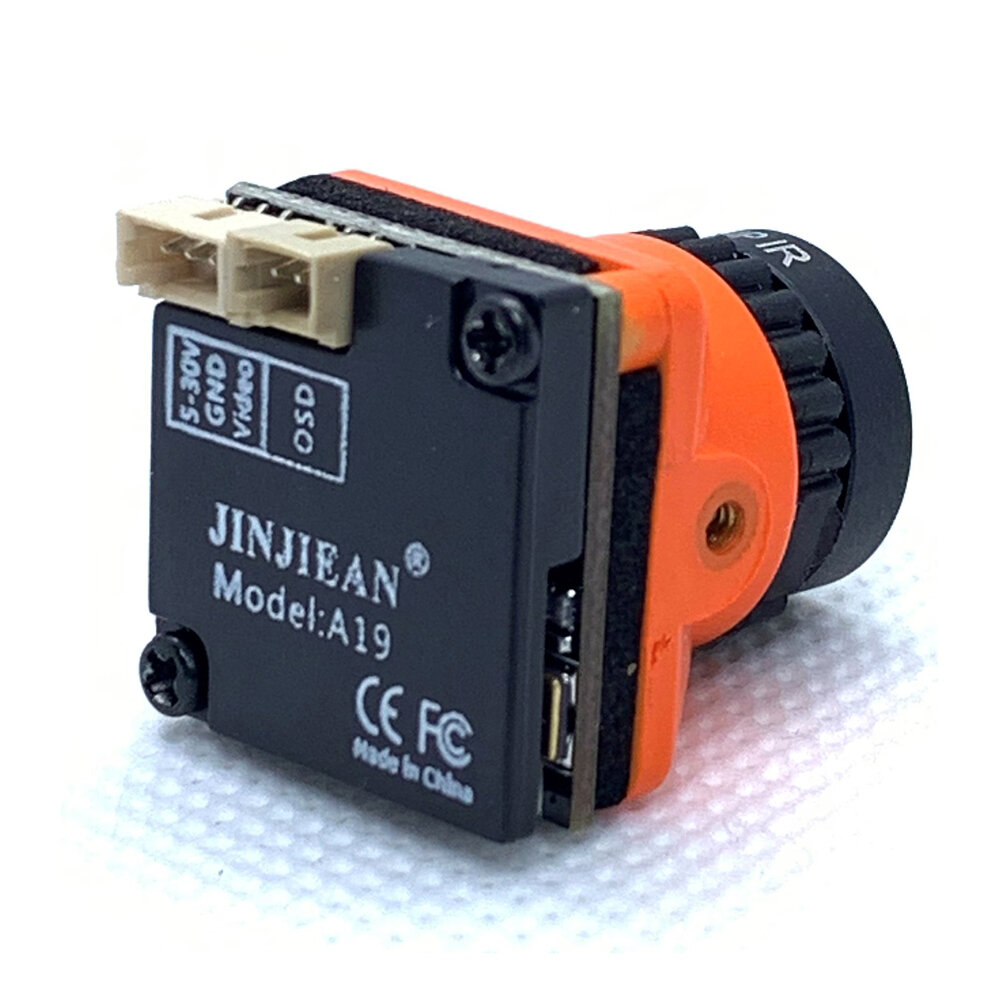
Description:Brand: JJAModel: MINI B19Image Sensor: 1/3" CMOS
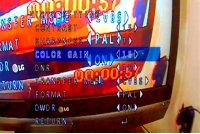
Pretty good. Good image quality. Fast response. A lot of options in OSD menu. Alternatively can have CVBS, TVI, CVI and AHD output. Contrast, brightness, exposure, WDR and etc. Must play a lot with those options to configure it good. The only minus is a bit higher current consumption. The camera itself and some DVR parts get pretty hot with the working time, but no smoke. Maybe 60deg. So will be OK in long run.
Tips:For questions about your order, place of delivery, product discount, taxation, delivery time, warranty, shipping, payment, exchange rate, and other questions unrelated to the product, please contact customer service.
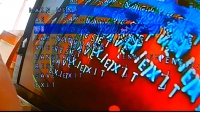
Did somebody know how to reset to factory settings this camera? Because I've changed something in OSD and after that there is no picture at all, don't know how to make it work again? Maybe it has nothing to do with OSD, but not working at all :( power supply and fpv transmitter is working, there is picture with other camera. Please help somebody to make it work again, it was on just only for 5 minutes...
Hi, i have find with another b19 :
push on 1x (Time), push down 3x, push on 1x, push down 4x, push on 1x, push left 1x, push down 3x, push on 1x, push down 3x then push on 1x.
disconnect and reconnect, if not fonction, restart this procédure, (3 x for me return to standard vidéo out).
Hi, i have find with another b19 :
push on 1x (Time), push down 3x, push on 1x, push down 4x, push on 1x, push left 1x, push down 3x, push on 1x, push down 3x then push on 1x.
disconnect and reconnect, if not fonction, restart this procédure, (3 x for me return to standard vidéo out).
Could you please update the ad to specify that this is a 16:9 camera. I just received mine to use with 4:3 goggles, and it's no good. Also a very narrow FOV, even with the 2.1mm (1/1.8") lens. Maybe wrong lens chosen for this 1/3 sensor.
Are you 100% certain your goggles don't have a 16:9 option somewhere in settings? Hope they do. If in doubt post asking if anyone knows of a way to find the option. Dude with the 'really' comment, maybe its obvious to you or maybe your kit is all 16:9, that's great, but why not just try help out someone who either doesn't have the kit or maybe doesn't know? It doesn't hurt you and you might just solve a problem that's second nature to you but others might struggle with, I hate to think how much I've wasted on incompatible kit due to just not being experienced or as knowledgeable as I wish I was, small stuff like 16:9 in the listing, or details on how to switch to 4:3 if possible might really help so I think the op does have a valid point, even if it may apply to a minority of buyers.
Answered by BG502556513 on 27/05/2021Helpful (0)
0
Q:
What is the safe input voltage of this camera? Thank you.
Unfortunately, without using Betaflight I don't think that this is possible.
Answered by Madav65 on 20/08/2021Helpful (0)
0
Q:
How do you get this camera to display battery voltage using the camera OSD? Just wondering where the setting is so you can view the voltage going into the camera. Cheers
I changed the transfer mode in the camera osd and now have a black screen, and no osd shows up. Is there a way to switch it back or factory reset when I cant access the settings?
I dont think there is a way to reset this manually without seeing what's on the osd screen to see what your doing. I had same problem twice j purchased that exact camera and same feedback I found out what you are saying