* Estimated delivery times start from the date of shipment, excluding processing time.
* Actual delivery times may vary due to holidays, weather conditions, or customs delays.
Livraison standard gratuite pour les commandes de plus de 9,9 $
Politique de retour
Les articles retournés seront acceptés dans les 40 jours suivant la réception des marchandises. Les articles personnalisés ne peuvent pas être retournés ou échangés. Les articles achetés avec une carte-cadeau électronique ne peuvent être échangés que; les remboursements ne sont pas applicables.
Cadeau gratuit
Bienvenue sur Roymall, votre site Web professionnel pour l'achat de cadeaux de grand magasin premium. Nous apprécions et valorisons grandement votre soutien, et nous voulons exprimer notre gratitude en ajoutant une touche supplémentaire d'excitation à vos achats. Lorsque vous magasinez avec nous, vous profitez non seulement de produits de haute qualité qui améliorent votre style de vie, mais vous recevrez également un cadeau gratuit exclusif avec chaque commande que vous passez. Prêt à explorer notre collection et à trouver vos cadeaux parfaits ? Parcourez notre sélection d'articles de grand magasin premium, passez votre commande et attendez avec impatience l'excitation de recevoir votre cadeau gratuit avec votre achat.
Politique d'expédition
Nous nous efforcerons de vous livrer les articles après réception de vos commandes et de nous assurer qu'ils arrivent en toute sécurité. Les détails de livraison seront fournis dans votre email de confirmation.Dans la plupart des cas, les commandes sont traitées dans les 2 jours. Dans des circonstances spéciales, cela peut être retardé comme suit : Lorsque vous passez une commande le samedi, le dimanche ou un jour férié, cela sera retardé de 2 jours.Normalement, il faut 5 à 7 jours ouvrables (du lundi au vendredi) sans être affecté par un retard de vol ou d'autres facteurs environnementaux.Parce que notre service d'expédition est mondial, les délais de livraison dépendront de votre emplacement, donc cela peut prendre quelques jours et veuillez patienter si vous êtes dans des districts ou des pays éloignés.
1. Politique de retour et d'échange
Nous n'acceptons que les articles achetés sur roymall.com. Si vous achetez auprès de nos distributeurs locaux ou d'autres détaillants, vous ne pouvez pas les retourner chez nous.Les articles en vente finale ou les cadeaux gratuits ne sont pas acceptés pour un retour.Pour être éligible à un retour, votre article doit être inutilisé et dans le même état que celui dans lequel vous l'avez reçu. Il doit également être dans son emballage d'origine.Après avoir reçu les instructions de retour de notre part, veuillez emballer vos articles retournés et déposer votre colis à la poste locale ou à un autre transporteur. Nous traiterons votre retour ou échange d'article dans les 3 à 5 jours ouvrables après réception. Le remboursement sera traité et crédité automatiquement sur votre méthode de paiement d'origine.Aucun retour ou échange ne peut être accepté si le produit a été produit sur mesure, y compris la taille personnalisée, la couleur personnalisée ou l'impression personnalisée.Besoin de plus d'aide, veuillez nous contacter. service@roymall.com ou Whatsapp: +447549870296
2.Politique de remboursement
Vous recevrez un remboursement intégral ou un crédit magasin de 100% après réception et vérification du colis retourné. Le remboursement sera traité et crédité automatiquement sur votre méthode de paiement d'origine.Veuillez noter que les frais d'expédition et tous les droits ou frais ne sont pas remboursables. Les frais d'expédition supplémentaires ne sont pas remboursables une fois le colis expédié. Vous êtes responsable du paiement de ces frais et nous ne pouvons pas les annuler ou les rembourser, même si la commande nous est retournée.Une fois que nous avons reçu et confirmé votre article retourné, nous vous enverrons un email pour vous informer que nous avons reçu votre article retourné. Nous vous informerons également de l'approbation ou du rejet de votre remboursement.Si vous avez des problèmes concernant le processus de remboursement, veuillez nous contacter. service@roymall.com ou Whatsapp: +447549870296
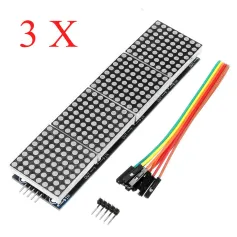
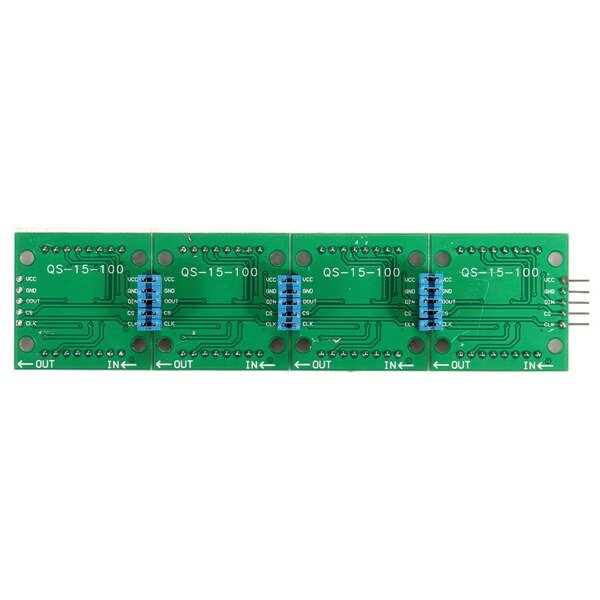
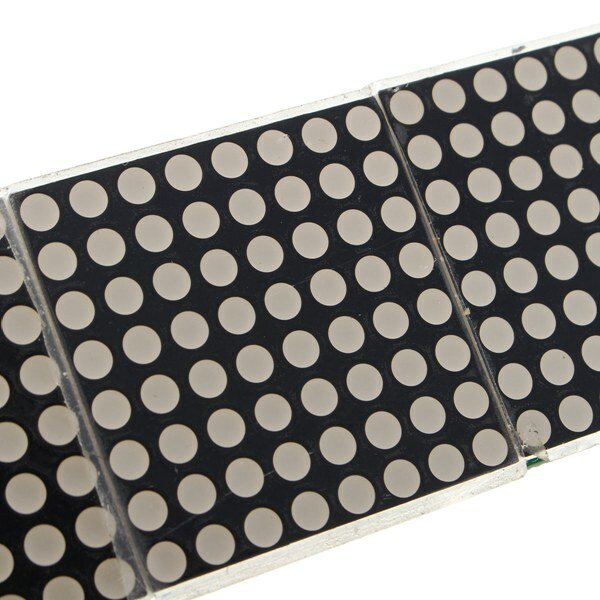
MAX7219 Microcontroller 4-in-1 Display Dot Matrix Module For
Specifications:
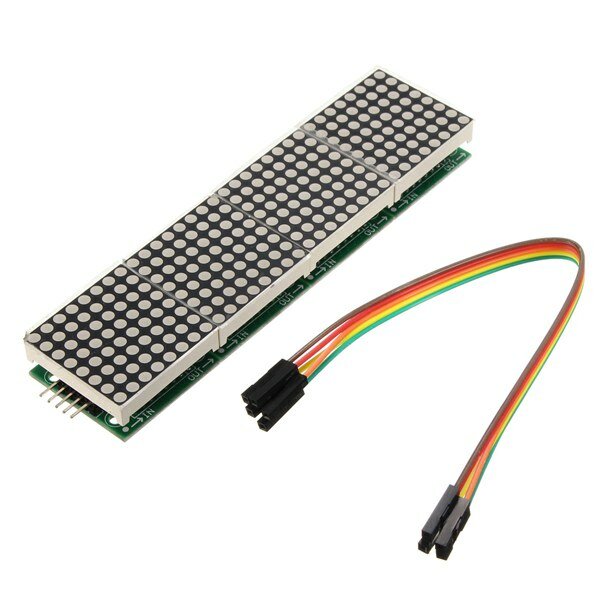
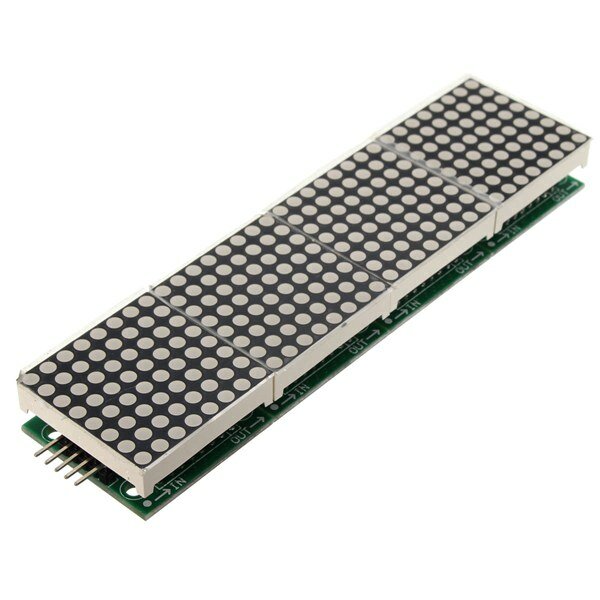
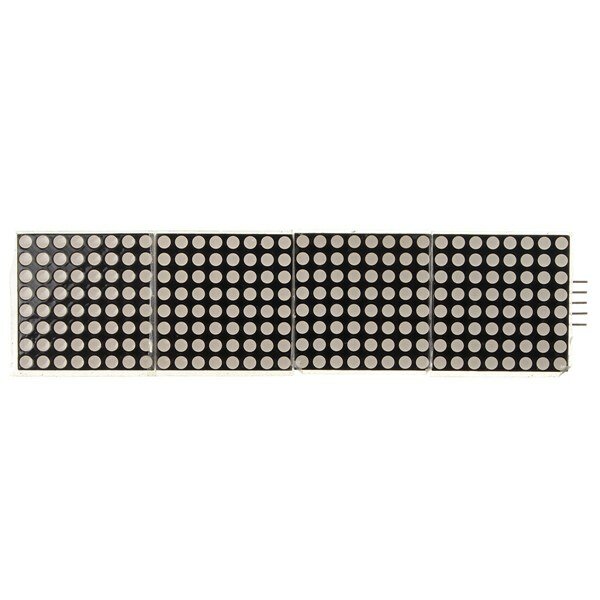
A single module can drive a 8x8 dot matrix common cathode Working voltage: 5V Module size: 12.8 x 3.2 x 1.3 cm (L*W*H) With 64 fixing screw holes, hole diameter: 3mm Module with input and output interfaces, support for cascading multiple modules
Wiring:
1. The left side of the module is the input port, and the right is the output port. 2. Control of a single module, the input port only need to receive CPU. 3. The more a module cascade and input end of the first module is connected with the CPU and input end of the input end of the output end is connected to the second module, output terminal of the second module connected with the three modules, and so on. For example: 51 SCM VCC→5V GND→GND DIN→P2.2 CS →P2.1 CLK→P2.0
Package included:
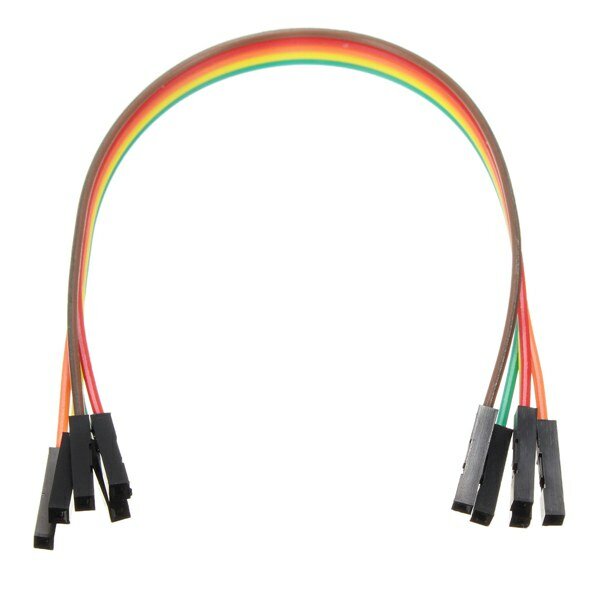
1 x MAX7219 Dot Matrix Module 1 x 5pin Dupont Cable
I first tried the dotMatrix on the Arduino with the Sprite and Matrix libraries. I got funny results because the column adressing is reversed.
Therefore I switched to the MD_MAX72xx libraries. Make sure to change the define in the MD_MAX72xx. h file to read:
#define USE_FC16_HW 1
I used the MD_Keyswitch library found at https://github.com/MajicDesigns/MD_KeySwitch
and the MD_MAX72xx library found at https://github.com/MajicDesigns/MD_MAX72XX
Then I pulled the source at https://github.com/MajicDesigns/MD_MAX72XX/blob/master/examples/MD_MAX72xx_ScrollChart/MD_MAX72xx_ScrollChart.ino
With that you should be able to get it to work.
If you use pins that are not-SPI standard, make sure to activate the call to MD_MAX72XX with four parameters, and comment out the one with two parameters.

I first tried the dotMatrix on the Arduino with the Sprite and Matrix libraries. I got funny results because the column adressing is reversed.
Therefore I switched to the MD_MAX72xx libraries. Make sure to change the define in the MD_MAX72xx. h file to read:
#define USE_FC16_HW 1
I used the MD_Keyswitch library found at https://github.com/MajicDesigns/MD_KeySwitch
and the MD_MAX72xx library found at https://github.com/MajicDesigns/MD_MAX72XX
Then I pulled the source at https://github.com/MajicDesigns/MD_MAX72XX/blob/master/examples/MD_MAX72xx_ScrollChart/MD_MAX72xx_ScrollChart.ino
With that you should be able to get it to work.
If you use pins that are not-SPI standard, make sure to activate the call to MD_MAX72XX with four parameters, and comment out the one with two parameters.
I first tried the dotMatrix on the Arduino with the Sprite and Matrix libraries. I got funny results because the column adressing is reversed.
Therefore I switched to the MD_MAX72xx libraries. Make sure to change the define in the MD_MAX72xx. h file to read:
#define USE_FC16_HW 1
I used the MD_Keyswitch library found at https://github.com/MajicDesigns/MD_KeySwitch
and the MD_MAX72xx library found at https://github.com/MajicDesigns/MD_MAX72XX
Then I pulled the source at https://github.com/MajicDesigns/MD_MAX72XX/blob/master/examples/MD_MAX72xx_ScrollChart/MD_MAX72xx_ScrollChart.ino
With that you should be able to get it to work.
If you use pins that are not-SPI standard, make sure to activate the call to MD_MAX72XX with four parameters, and comment out the one with two parameters.
very good product and good price.
If you don't know how that work i found one good tutorial.
https://www.makerguides.com/max7219-led-dot-matrix-display-arduino-tutorial/
If you try the programs and see that they do not work with the first one.
Try changing the names of the pins you will use and reload the program on Arduino.
e.g.
CS_PIN 10
DATAPIN 11
CLK_PIN 13
very good product and good price.
If you don't know how that work i found one good tutorial.
https://www.makerguides.com/max7219-led-dot-matrix-display-arduino-tutorial/
If you try the programs and see that they do not work with the first one.
Try changing the names of the pins you will use and reload the program on Arduino.
e.g.
CS_PIN 10
DATAPIN 11
CLK_PIN 13
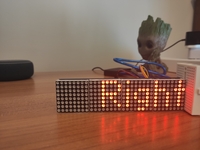
very good product and good price.
If you don't know how that work i found one good tutorial.
https://www.makerguides.com/max7219-led-dot-matrix-display-arduino-tutorial/
If you try the programs and see that they do not work with the first one.
Try changing the names of the pins you will use and reload the program on Arduino.
e.g.
CS_PIN 10
DATAPIN 11
CLK_PIN 13
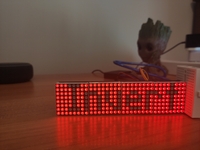
Tips:For questions about your order, place of delivery, product discount, taxation, delivery time, warranty, shipping, payment, exchange rate, and other questions unrelated to the product, please contact customer service.
@***** look it up in the MAX7219 datasheet. Another cool thing about these ICs is the need for just one resistor to limit the current for all segments x digits (64 per IC) to retain the same brightness whether only one LED is on or all 64. IIRC there's a chart there with recommended resistor values depending on number of LEDs. I could probably lift one of the 8x8 matrices off and see what resistor value they've used, but the datasheet should give you an idea. Assume you need an external power supply though. They're not super bright but it's still 256 LEDs.
Answered by BG344213471 on 31/08/2022Helpful (0)
0
Q:
Can I daisy chain several of these? By just connecting output of the first with input of the next?
Depending on how much you want to daisy chain you should inject supply power every 2 or 3 modules else the voltage drop and the current running through the modules gets to high
Depends on what you mean by "users manual". The datasheet for the MAX7219 controller is excellent and all you need to know to program these things. If you want plug and play there are multiple libraries to choose from.
Answered by BG344213471 on 31/08/2022Helpful (0)
0
Q:
I can choose the color of the matrix or only send it in a single color?
Use the MD_MAX72XX library. With the device set to: #define HARDWARE_TYPE MD_MAX72XX::ICSTATION_HW. If you don't change that line in the examples, the characters are mirrored. Use the MD_Parola library (also) for even more functions. All sketches have to include that line, the default is Parola hardware.
Answered by Strider on 28/11/2018Helpful (0)
Ask a Question
1.You can contact the customer service. for any question regarding the product.
2.Ask the question in English to get answer faster.